
Filing 1099-NEC forms is essential for businesses that hire independent contractors or freelancers. To ensure compliance with IRS regulations and avoid penalties, e-filing has become the most efficient and accurate method. This guide covers every detail about how to file 1099-NEC forms online.
What is the 1099-NEC Form?
The File 1099-NEC Online form reports payments made to nonemployees, such as freelancers and contractors, exceeding $600 in a tax year. Introduced in 2020, it separates contractor payments from the 1099-MISC Form.
When is it Required?
- Payments of $600 or more to nonemployees.
- Payments made for services rendered, excluding personal purposes.
- Business-related transactions, not personal payments.
Difference Between 1099-NEC and 1099-MISC
The 1099-MISC Form is used for reporting miscellaneous income such as rent or royalties, whereas the 1099-NEC specifically addresses payments for services provided by contractors.
Why File 1099-NEC Online?
Compared to traditional paper filing, electronic filing has several benefits:
- Faster Processing: Online submissions reach the IRS instantly.
- Error Reduction: Most e-filing platforms include validation checks to minimize errors.
- Convenience: File multiple forms in one session.
- Cost-Effective: Saves on postage and reduces administrative costs.
Step-by-Step Guide to File 1099-NEC Online
1. Gather Necessary Information
To file the 1099-NEC Form, you will need:
- Recipient’s Information: Name, Taxpayer Identification Number (TIN), and address.
- Payer’s Information: Employer Identification Number (EIN) or Social Security Number (SSN).
- Payment Details: Total amount paid to the contractor.
2. Choose an IRS-Approved E-Filing Service
Select a reputable platform to ensure compliance and accuracy. Popular options include:
- Tax1099
- Intuit TurboTax
- Track1099
- E-File.com
3. Create an Account
Sign up with your chosen e-filing service and set up a profile for your business.
4. Input Data
Enter the contractor’s information, payment details, and business information into the platform. Double-check all entries for accuracy.
5. Submit the Form
After verifying the data, submit the 1099-NEC form. Many platforms provide a confirmation receipt once the IRS accepts the Form.
Common Errors to Avoid When Filing 1099-NEC Online
- Incorrect TINs: Ensure contractor TINs are accurate.
- Wrong Payment Amounts: Double-check the total compensation reported.
- Late Filing: The filing deadline is January 31. Penalties apply for late submissions.
- Duplicate Forms: Avoid submitting multiple forms for the same contractor.
Penalties for Late or Incorrect 1099-NEC Filing
Late Filing Penalties
- $50 per Form submitted within 30 days of the deadline.
- $110 per Form if submitted before August 1 but more than 30 days after the due date.
- $290 per Form, whether filed on or after August 1.
Penalties for Errors
Incorrect or incomplete forms can also result in penalties. Always verify the information before submission.
Top Platforms for Filing 1099-NEC Online
1. Tax1099
Offers automated bulk filing and integrates with accounting software like QuickBooks.
2. Intuit TurboTax
Provides step-by-step guidance and ensures tax compliance.
3. Track1099
Streamlines the process with email delivery of forms to contractors.
4. E-File.com
Affordable and user-friendly, suitable for small businesses.
How Freelancers and Contractors Can File 1099-NEC Forms
Contractors receiving 1099-NEC forms must report their tax return income on Schedule C. Tips for contractors:
- Keep accurate records of payments received.
- Use tax software to streamline the filing process.
- Set aside money for tax payments, as no withholding occurs on 1099-NEC payments.
Benefits of Filing 1099-NEC Forms Online
For Businesses
- Compliance with IRS requirements.
- Avoidance of costly penalties.
- Improved record-keeping.
For Contractors
- Accurate reporting of income for tax purposes.
- Access to digital copies for future reference.
FAQs on Filing 1099-NEC Online
1. How much does it cost to file 1099-NEC online?
E-filing costs vary by platform, ranging from $2.90 to $5.00 per Form.
2. Can I correct a submitted 1099-NEC form?
Yes, most e-filing platforms allow corrections to forms submitted with errors.
3. Do I need to send a copy to the contractor?
Yes, businesses must provide contractors with a copy of the 1099-NEC form by January 31.




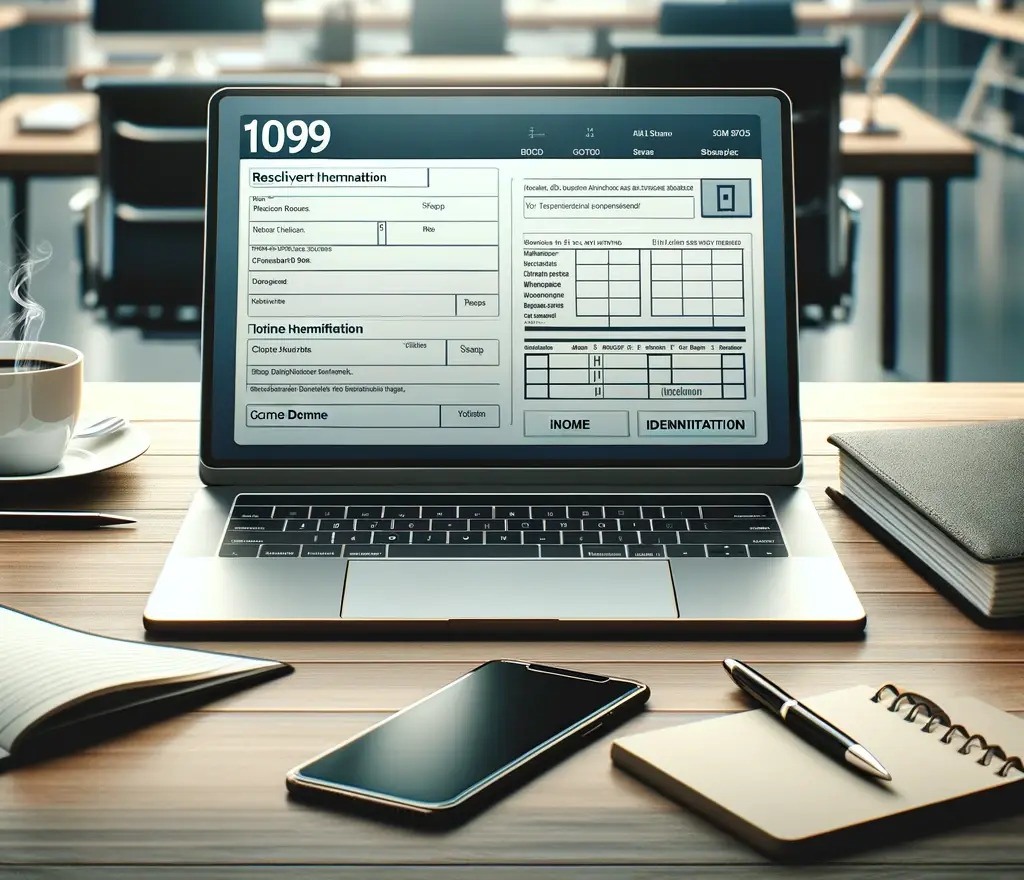

 1099 Form Info
Leave a comment